
Dell Inspiron 300/400 Series Service Manual

The Dell™ Inspiron™ 300/400 Service Manual provides detailed information about the Dell™ Inspiron™ 300/400 notebook.
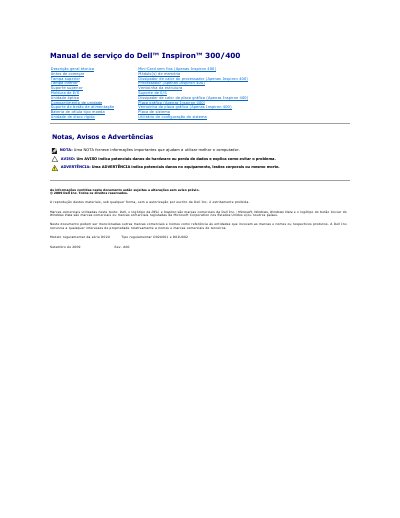

Dell Inspiron 300/400 Series Service Manual - cover page
Brand
DELL
Category
Laptops
Document type
Service Manual
Language
Portuguese
Pages
53
File format
PDF
File size
1.1 MB
Published
19 November, 2023
Updated
19 November, 2023
MD5 checksum
CA845D2501B05FFFBE9830D8936FC561

About this manual

This service manual covers the Dell Inspiron 300/400 series laptops, specifically model D02U. It provides detailed instructions for qualified technicians on how to safely remove and install various internal hardware components, including the bottom cover, hard drive bay, optical drive, wireless Mini-Card (Inspiron 400 only), and system board. This manual is written in Portuguese.

What's inside

  • Before you begin
  • Recommended tools
  • Powering off the computer
  • Safety instructions
  • Removing the bottom cover
  • Reinstalling the bottom cover
  • Removing the wireless Mini-Card
  • Reinstalling the wireless Mini-Card

Frequently asked questions

Where is the BIOS flash update executable available?

The BIOS flash update executable is available at support.dell.com.

How many captive screws secure the bottom cover?

Two captive screws.

Which model supports the wireless Mini-Card?

Only the Inspiron 400.

At what angle is the Mini-Card inserted into the connector?

At a 45-degree angle.

Download PDF (1.1 MB)

More DELL Manuals


View all DELL manuals →