
This document is about the CD control panel service menu, it introduces how to use the control panel and the meaning of the display symbols.
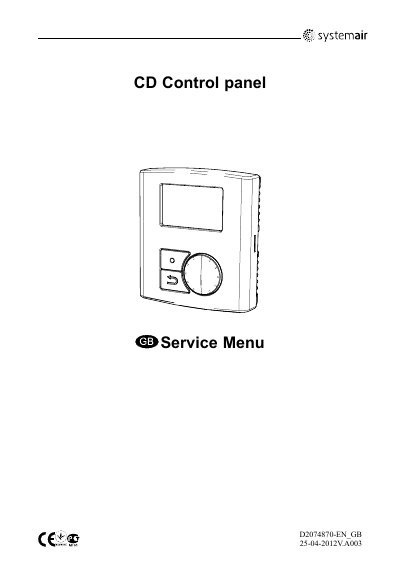
This document provides a service menu overview for the Systemair D2074870 CD Control Panel. It describes the interface, including the display, selection knob, and confirm/back buttons, along with the meaning of various display symbols such as temperature, fan speed, and alarm indicators.
The manual details the hierarchical structure of the service menu, requiring a password (default 1111) to access. It covers specific configuration areas including setting temperatures, manual fan speed adjustments, summer mode, cool recovery, and software configuration for electrical heaters. Further sections explain how to configure extended/forced running times, weekly programs, and fan speed logs.
The current set temperature is illustrated using a symbol that fills in five steps, ranging from completely empty to fully filled.
The fan speed can be set manually in three steps: Low, Nominal, and High.
The default alarm limit is set to 7 °C, though the current setting shown is 11 °C.