
C6 Pay Smart is a smart POS machine that supports multiple payment methods such as credit card payment, scan code payment, and value-added services such as mobile phone recharge, water, electricity and gas payment.
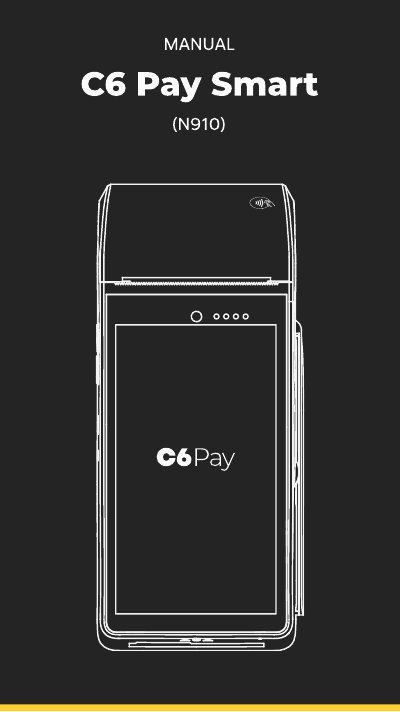
This document is the user manual for the C6 Pay Smart N910 POS terminal. It provides instructions on how to power the device, perform sales transactions using credit or debit cards, and manage receipts. The manual also details how to cancel transactions, reprint receipts, and access the device's settings menu. This manual is written in Portuguese.
| Model | N910 |
|---|---|
| Default Password | 999999 |
| Power Supply | Bivolt |
The default password for the store owner is 999999.
Access the admin menu, select reprint, enter the 6-digit store password, and wait for the print.