
Key facts
- Manuals
- 1
- Languages
- PT
- Last added
- 2023-11-19
Featured C6 manuals
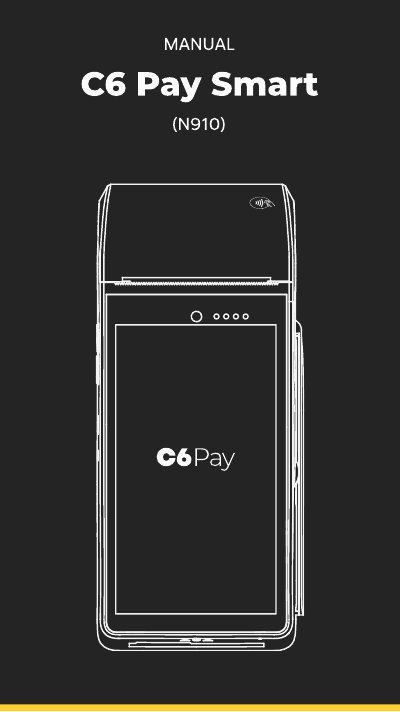
C6 Pay Smart N910 POS Terminal User Manual
This document is the user manual for the C6 Pay Smart N910 POS terminal. It provides instructions on how to power the device, perform sales transactions using credit or debit cards, and manage receipts. The manual also details how to cancel transactions, reprint receipts, and access the device's settings menu. This manual is written in Portuguese.
Covers: Conheça a C6 Pay Smart · Ligando a Smart · Realizando vendas com cartão · Cancelando venda · Reimprimindo comprovante · Alterar modo de conexão
Latest C6 manuals
C6 Pay Smart N910 POS Terminal User Manual
User Manual 16 pages · 2.6 MB · PTUser manual for the C6 Pay Smart N910 POS terminal, covering setup, sales operations, receipt printing, and technical specifications.
Which document do I need?
User Manual
Day-to-day operation, settings and troubleshooting. Start here if the product is already set up.
Questions answered in C6 manuals
What is the default password for the C6 Pay Smart N910?
The default password for the store owner is 999999.
How do I re-print the receipt of the last sale?
Access the admin menu, select reprint, enter the 6-digit store password, and wait for the print.