
Ssmart Talking Blood Pressure Monitor User Manual
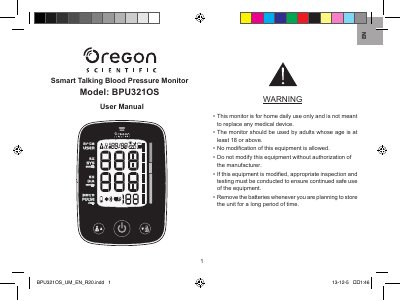
Oregon Scientific BPU321OS Ssmart Talking Blood Pressure Monitor user manual. It covers package contents, product view and key features, assembly, battery installation, monitor settings, cuff positioning, measurement steps, display and reading interpretation, voice announcement, memory records, Bluetooth connection to a mobile device, troubleshooting, safety and care, and specifications.
The monitor supports two users plus a guest mode, stores up to 100 measurements per user, and can synchronize records wirelessly to the Ssmart Blood Pressure Monitor app. It also provides multi-language voice announcement and a blood pressure classification display.
| Cuff circumference | About 22-32 cm |
|---|---|
| Power supply | 4 x AA (1.5V) batteries |
| Optional power adaptor | 6V adaptor |
| Memory | Up to 100 measurements per user (maximum 2 users) |
| Wireless | Bluetooth Smart (Bluetooth Low Energy) |
| Voice languages | English, French, Putonghua, Cantonese, Spanish |
It can store up to 100 measurements per user for a maximum of 2 users.
Wait 2-3 minutes, then refasten the cuff before taking another measurement.
It turns off automatically 1 minute after a measurement, or you can press the power button to turn it off manually.
An irregular heartbeat was detected during measurement, and the manual recommends consulting a physician.