
AB-J003GB Control keyboard manual introduces the usage of AB-J003GB control keyboard.
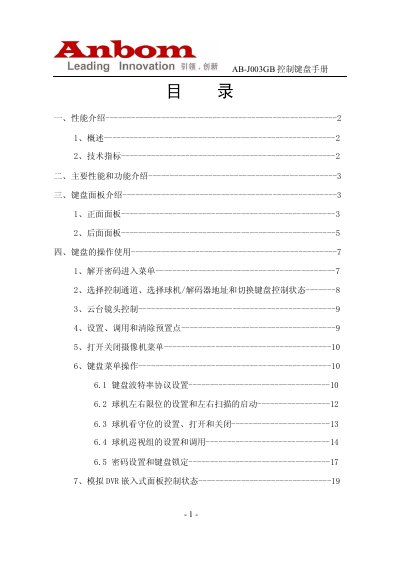
The document is a Chinese-language user manual for the AB-J003GB control keyboard, which the text also calls the JG-KB3D control keyboard. It describes the keyboard's features, front and rear panels, operation, menu settings, and installation connections.
The keyboard controls up to 512 cameras or decoders over RS-485 and supports preset points, patrol groups, guard positions, left/right scan limits, and simulated DVR panel control. This manual is written in Chinese.
| Power supply | DC 9-12 V, 500 mA; AC 220 V ±10%, 50/60 Hz to DC 9 V, 500 mA |
|---|---|
| Host interface | RS-485 |
| Controlled device interface | RS-485 bus |
| Communication rate | 1200/2400/4800/9600/19200 bit/s |
| Communication distance | 1500 m (0.5 mm twisted pair) |
| Weight | 1.4 kg |
| Dimensions | 330 x 176.6 x 112.5 mm (including joystick height) |
| Operating temperature | -10 to +60 C |
| Relative humidity | ≤90% RH |
| Controlled devices | Up to 512 cameras or decoders |
| Camera/decoder address range | 1-255 |
| Preset point range | 1-255 |
| Default password | 88888888 |
The factory default password is 88888888; enter eight 8s and press ACK.
It can control up to 512 cameras or decoders, with 4 channels and 128 devices per channel.
The maximum communication distance is 1500 m using 0.5 mm twisted pair.
Enter the preset point number, then press PRESET.