
The Komshine KIP-600P is a portable fiber optic end-face inspection microscope with a 400x magnification and 1μm resolution. It supports multiple display modes including OTDR, computer and mobile phone. It also supports multiple fiber optic interfaces including SC, FC, ST, LC and MU.
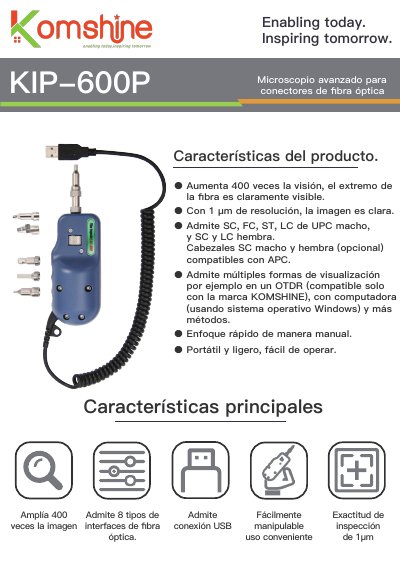
The KIP-600P is a portable, lightweight fiber optic connector microscope from Komshine with 400x magnification and 1 μm resolution. It supports multiple viewing methods, including a Komshine OTDR and a Windows computer via USB.
It inspects SC, FC, ST, LC UPC male and SC/LC female connectors, with optional APC-compatible SC/LC male and female heads. It provides NTSC/PAL video output and operates from -20 to 50°C. This manual is written in Spanish.
| Magnification | 400x |
|---|---|
| Focus mode | Manual |
| Resolution | 1 μm |
| Inspection accuracy | 1 μm |
| Supported connectors | SC, FC, ST, LC UPC male; SC and LC female |
| Optional APC-compatible heads | SC and LC male and female |
| Video signal formats | NTSC/PAL |
| Operating temperature | -20 to 50°C |
| USB-compatible viewing | Komshine OTDR or Windows computer |
| Viewing methods | OTDR (Komshine only), computer (Windows OS), and more methods |
It magnifies the image 400x.
It supports SC, FC, ST, LC UPC male and SC and LC female connectors.
It can be viewed through a Komshine OTDR or a Windows computer via USB.
It operates from -20 to 50°C.