
This product is a WIFI module that can connect the data logger to the inverter and send the data to the cloud.
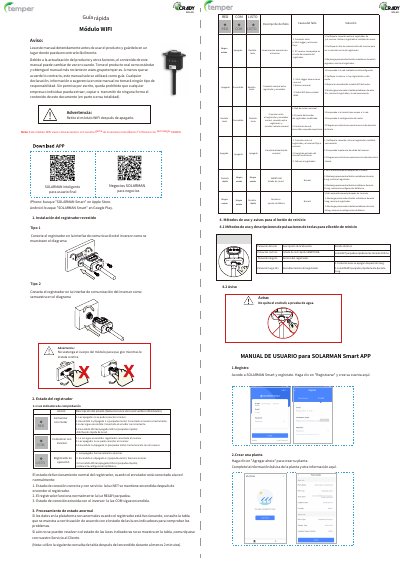
This quick guide covers the Temper WiFi module supplied as an accessory with single-phase and three-phase on-grid inverters. It explains module installation, reset button operation, LED indicator meanings, and troubleshooting for communication and network problems.
It also includes instructions for the SOLARMAN Smart app, including registration, plant creation, logger registration, network configuration, and warranty information. This manual is written in Spanish.
| Supported Wi-Fi | 2.4 GHz only; 5 GHz not supported |
|---|---|
| Reset button short press | 1 s: enters SMARTLINK fast network state |
| Reset button long press | 5 s: restarts the logger |
| Reset button long press | 10 s: restores factory settings |
| NET LED when connected to router | Slow flash: 1 s on / 1 s off |
Press and hold the reset button for 10 seconds.
No, 5 GHz Wi-Fi is not supported.
It means the logger is connected to the router correctly.
Enter the logger serial number manually or scan its code.