
This product is a mini dome PTZ camera with 360 degree panoramic view and 10x optical zoom. It supports H.264 and MJPEG dual encoding, and has IP66 waterproof and dustproof function.
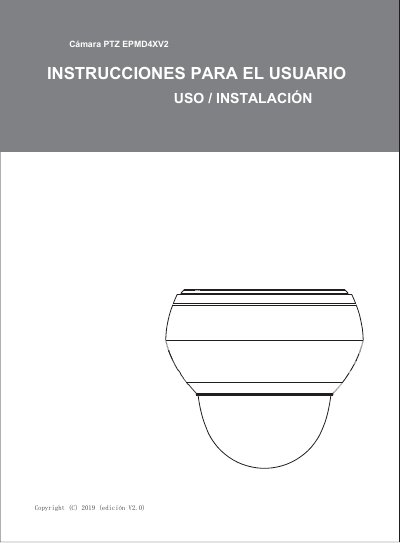
This manual is for the EPMD4XV2 PTZ mini dome camera. It describes the product, features, ceiling and wall mounting, cable connections, system topology, default settings, and common PTZ operation commands.
It also includes a troubleshooting section with questions and answers about camera positioning, rotation, control, and image problems after signal-mode switching. This manual is written in Spanish.
| Voltage range | ±10% |
|---|---|
| Preset positions | 220 |
| AB scan | 1 |
| Infrared lights | 4 |
| Video signal outputs | AHD, TVI, CVI, CVBS |
Call preset 97, then call preset N to set the camera ID to N; the default ID is 1.
Call preset 90, then preset 2 to turn IR lights on manually, preset 3 to turn them off manually, or preset 1 for automatic control.
Check whether coaxial control is used, the PTZ control settings, baud rate, and camera ID; if using a PTZ controller, verify that the camera and controller use the same baud rate and protocol.
Check whether the DVR supports the camera's current signal mode and whether the signal system (PAL/NTSC) is correct.