
The NanoLockit is a timecode generator and synchronizer that provides timecode for film cameras, DSLR cameras, and audio recorders.
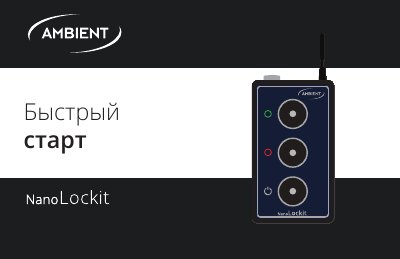
This document is a quick start guide for the NanoLockit device, written in Russian. It provides instructions on how to power the device, interpret LED status indicators, and configure the internal Real Time Clock (RTC) and frame rate using the LockitToolbox software. The guide also explains how to synchronize the device with external instruments via cable or radio.
It is used for synchronization of timecode (TC) and frame rate (FPS).
Press the green button on one Lockit for 3 сек until the LED flashes double green; this sets TC and FPS by radio channel on all other NanoLockits and activates all LEMO outputs.
Use LockitToolbox software for PC and Mac to set the internal time on NanoLockit.