
Key facts
- Manuals
- 1
- Languages
- RU
- Last added
- 2023-11-17
Featured NanoLockit manuals
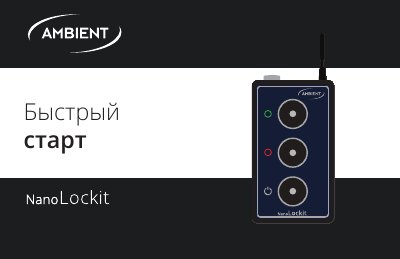
NanoLockit Quick Start Guide
This document is a quick start guide for the NanoLockit device, written in Russian. It provides instructions on how to power the device, interpret LED status indicators, and configure the internal Real Time Clock (RTC) and frame rate using the LockitToolbox software. The guide also explains how to synchronize the device with external instruments via cable or radio.
Covers: LED Status Indicators · Power and Charging · RTC and Frame Rate Setup · External Instrument Connection · Radio Synchronization · TRX Mode
Latest NanoLockit manuals
NanoLockit Quick Start Guide
Quick Start Guide 20 pages · 2.9 MB · RUA quick start guide for the NanoLockit timecode synchronization device, covering setup, LED status indicators, and radio synchronization.
Which document do I need?
Quick Start Guide
The shortest path to a working setup, usually only a few pages.
Questions answered in NanoLockit manuals
What is NanoLockit used for?
It is used for synchronization of timecode (TC) and frame rate (FPS).
How do you set TC and FPS on all NanoLockits at once?
Press the green button on one Lockit for 3 сек until the LED flashes double green; this sets TC and FPS by radio channel on all other NanoLockits and activates all LEMO outputs.