
The LCC-S software is used to configure LCC series transmitters. The software can read the configuration of the transmitter and modify it.
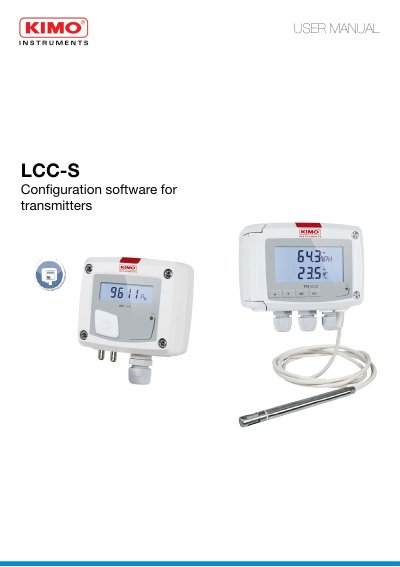
This manual describes the LCC-S configuration software, which is available as an option for Class 110, 210-R, 310, and monostat transmitters. The software allows users to configure the transmitter, view data in real-time, and apply an offset. It supports Windows XP, Vista, and 7 operating systems and requires a USB 2.0 connection.
| Minimum OS Requirement | Windows, XP, VISTA, 7 |
|---|---|
| Communication Port | USB 2.0 |
| RAM Memory | 1 GB |
| Free Disk Space | 1 GB |
| ModBus Speed Range | 2 400 to 115 200 Bauds |
The software requires a minimum configuration of Windows XP, Vista, or 7.
Connect the mini-DIN cable to the front of the transmitter and the other end to the USB connection of the computer.
Yes, the software includes a Bootloader function that allows you to change the firmware version.