
Key facts
- Manuals
- 1
- Languages
- EN
- Last added
- 2023-11-17
Featured LCC manuals
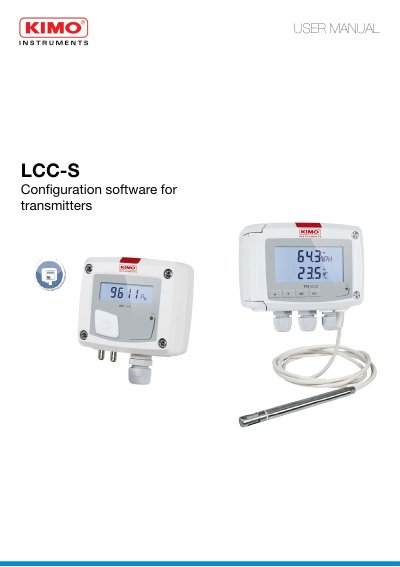
LCC-S Transmitter Configuration Software User Manual
This manual describes the LCC-S configuration software, which is available as an option for Class 110, 210-R, 310, and monostat transmitters. The software allows users to configure the transmitter, view data in real-time, and apply an offset. It supports Windows XP, Vista, and 7 operating systems and requires a USB 2.0 connection.
Covers: Software Installation · Read the Transmitter · Configure the Display and Keypad · Configure ModBus and Ethernet · Set Channels and Units · Set the Alarms
Latest LCC manuals
LCC-S Transmitter Configuration Software User Manual
User Manual 27 pages · 1.8 MB · ENUser manual for the LCC-S software used to configure, read, and update firmware for LCC Class 110, 210-R, and 310 transmitters.
Which document do I need?
User Manual
Day-to-day operation, settings and troubleshooting. Start here if the product is already set up.
Questions answered in LCC manuals
What operating systems are supported by the LCC-S software?
The software requires a minimum configuration of Windows XP, Vista, or 7.
How do I connect the software to a Class 110 or monostat transmitter?
Connect the mini-DIN cable to the front of the transmitter and the other end to the USB connection of the computer.