
CountDown Touch is a countdown touchscreen that can display real time or elapsed/remaining time. The system can be set to any required duration, up to a maximum of 99 minutes and 59 seconds, and can count up or down. CountDown Touch can also display the real time of day. To remind the presenter to summarize and conclude, the display digits can also be programmed to change color from Green to Amber to Red.
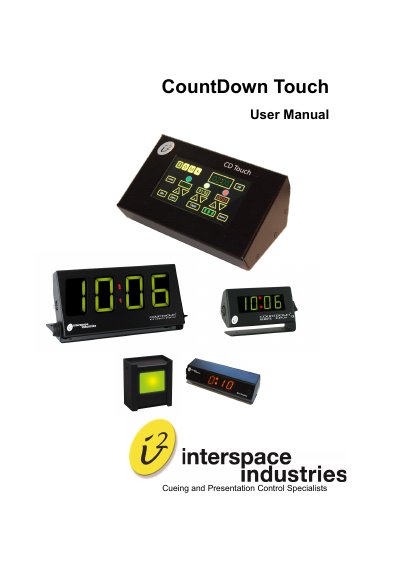
The CountDown Touch is an intuitive touch screen device designed for events with tight schedules. It displays real-time or elapsed/remaining time on numeric displays and can count up or down. The system supports durations up to 99 minutes and 59 seconds and features color-changing displays (Green to Amber to Red) to signal time progression. It also includes Intelligent Lamp and Light Tower options for visual cues.
| Maximum Duration | 99 minutes and 59 seconds |
|---|---|
| Power Input | 100-240VAC |
| Dimensions | 110 x 165 x 185 mm |
| Weight | 880g |
| Cable Distance | 100 meters |
Yes, the system can be programmed to run a timer that counts up or down.
The display digits can be programmed to change color from Green to Amber to Red to remind the presenter to summarize and conclude.
Yes, the remote display can be paused by selecting the Pause button from the main screen.