
Key facts
- Manuals
- 1
- Languages
- EN
- Last added
- 2023-11-17
Featured Interspace Industries manuals
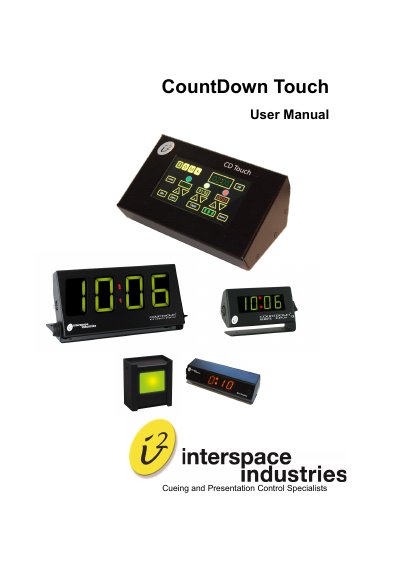
Interspace Industries CountDown Touch User Manual
The CountDown Touch is an intuitive touch screen device designed for events with tight schedules. It displays real-time or elapsed/remaining time on numeric displays and can count up or down. The system supports durations up to 99 minutes and 59 seconds and features color-changing displays (Green to Amber to Red) to signal time progression. It also includes Intelligent Lamp and Light Tower options for visual cues.
Covers: Introduction · Safety Instructions · Setting Up · General Features · Operating Instructions · Programming
Latest Interspace Industries manuals
Interspace Industries CountDown Touch User Manual
User Manual 12 pages · 573 KB · ENThis manual provides operating instructions for the Interspace Industries CountDown Touch, a touch screen timer system for events.
Which document do I need?
User Manual
Day-to-day operation, settings and troubleshooting. Start here if the product is already set up.
Questions answered in Interspace Industries manuals
Can the CountDown Touch count up or down?
Yes, the system can be programmed to run a timer that counts up or down.
How can the display color be changed?
The display digits can be programmed to change color from Green to Amber to Red to remind the presenter to summarize and conclude.