
This is a user manual for a Philips TV.
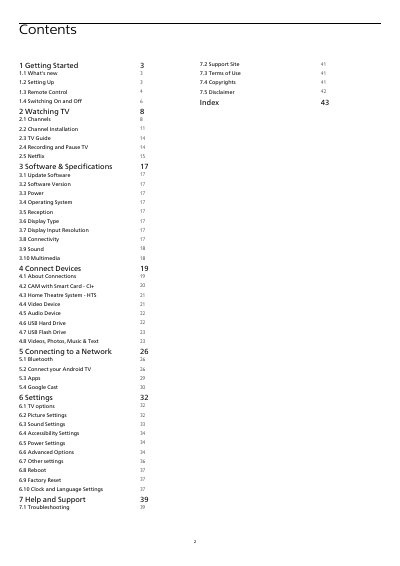
This user manual is for a Sony Android TV and covers getting started, setting up the TV stand and wall mount, using the remote control, and switching the TV on and off. It also explains watching TV, channels, recording, and apps such as Netflix and YouTube.
Later sections describe connecting devices and USB drives, connecting to a network and Bluetooth, adjusting picture and sound settings, and troubleshooting with help and support.
| Wall mount bracket | SU-WL450, M6 (Min 10mm, Max 12mm) |
|---|---|
| Remote control batteries | 2 type AAA-1.5V batteries |
| Antenna connector | IEC Coax 75 Ohm RF |
Open the battery compartment on the back-bottom of the remote, replace the old batteries with 2 type AAA-1.5V batteries, and slide the door back until it clicks.
Use the Settings icon at the top right corner of the Home screen.