
GEIO is a consumer-grade game robot equipped with an intelligent visual recognition system, with high-speed mobile performance and a flexible dual-axis turret, with more gameplay modes.
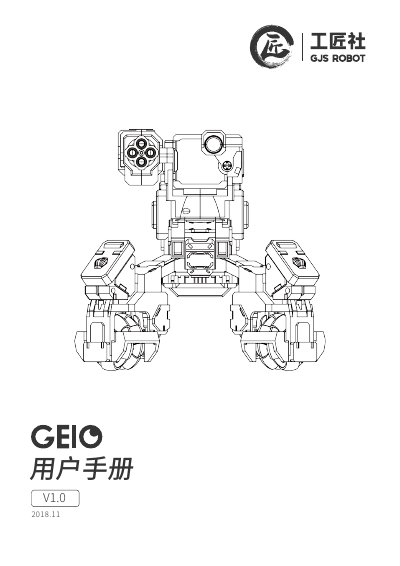
The GEIO 2018.11V1.0 is a consumer-grade game robot equipped with an intelligent visual recognition system. It features high-speed movement and flexible dual-axis turrets, designed for competitive play. The robot supports two main operation modes: 'Cute Pet Mode' for autonomous movement and face recognition, and 'Sentinel Mode' for automatic enemy detection and attack.
To operate the robot, users must install the GEIO app (version 3.2 or Education Edition 2.0) on a compatible mobile device. The robot connects via a 5 GHz Wi-Fi network. Users can configure settings such as the startup mode, sound effects, and default turret position through the app's general settings menu. This manual is written in Chinese.
| Weight (with battery) | 835 g |
|---|---|
| Dimensions | 170x170x160 mm |
| Battery Capacity | 2000 mAh |
| Operating Temperature | 0 - 40°C |
| Camera Resolution | 300,000 pixels |
| Max Communication Distance | 70 meters |
| Operating System Support | Android 5.0+, iOS 11.0+ |
The initial password is 12345678.
You can switch modes in the GEIO app under General Settings > General > Startup Mode.
Check if the wheels rotate freely, then turn off the robot, restart it on a stable surface, and reconnect the app.
Select 'Yes' when the app asks if you want to continue connecting to a Wi-Fi that cannot connect to the network.