
Shenzhen Hi-Link Electronic Co., Ltd. has launched a new professional remote control terminal HLK-SW16K, which can realize the direct connection between the network client and the device without modifying the original communication protocol, saving development周期, improve user experience.
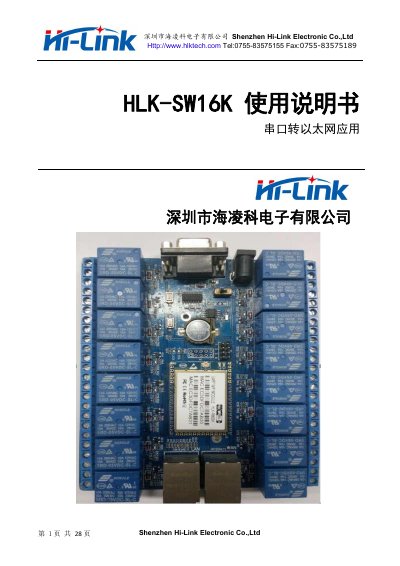
This document is the user manual for the Hi-Link HLK-SW16K, a professional remote control terminal that converts serial ports to Ethernet. It enables TCP gateway communication between network clients and devices without requiring dynamic domain names or port mapping. The module supports wireless standards IEEE 802.11n/g/b and wired IEEE 802.3/802.3u, with a maximum wireless transmission rate of 150Mbps. This manual is written in Chinese.
| Maximum Wireless Transmission Rate (11n) | 150Mbps |
|---|
The relays support a maximum input voltage of 220V and a maximum output current of 10A.
The default password for the module's WiFi is 12345678.
To restore factory settings, hold the Exit/Default button on the board for more than 6 seconds.