
The Working Arm Robot is an open source desktop robot arm that can be used to learn and research robotics.
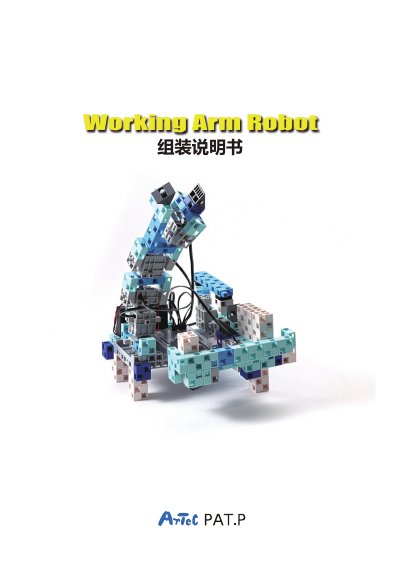
This document is the Chinese assembly guide for the Artec Working Arm Robot kit. It lists the included parts and shows the assembly steps for the robot, including servo motor calibration and interface numbering.
It also explains battery replacement, downloading and sending the control program, robot operation, sensor condition settings, and fine-tuning of servo motor angles. This manual is written in Chinese.
| Sensor cable | 3-core, 15 cm |
|---|---|
| Servo motor angle range | 0 to 180 degrees |
| Servo angle adjustment speed | 20 levels |
Turn off the power immediately; the servo motors may be damaged, and the assembly should be checked.
Use a Phillips screwdriver (No. 1), observe battery polarity, and close the battery box in the reverse of the opening steps.
From the ArtecRobo page, download the program software “WorkingArmRobot.ipd”.
Connect the Studuino main unit to a computer with a USB cable, open the file, enter test mode, adjust each servo motor, then resend the program.