
Artec Transporter robot assembly manual covering motor, body, and sensor assembly plus battery replacement and line-tracking operation.
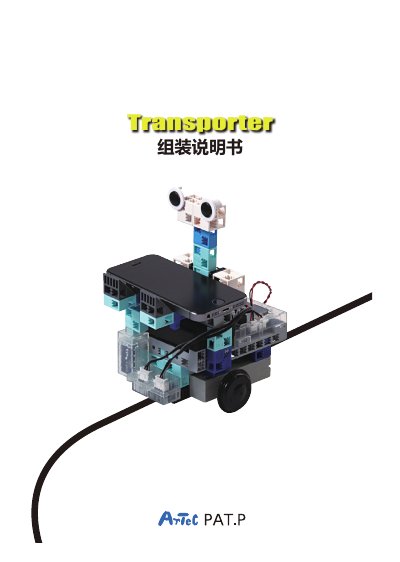
This manual provides assembly instructions for the Artec Transporter robot kit. It covers DC motor assembly, front and rear body assembly, and connection of the infrared reflection and touch sensors.
It also explains battery replacement using a No.1 Phillips screwdriver and describes how to operate the robot for line tracking with the Studuino programming environment. This manual is written in Chinese.
| Sensor cable | 3-core 15 cm |
|---|---|
| Line width | 5 mm to 10 mm |
Connect it to port A2 or A3 on the board as shown in the assembly steps.
Open the battery box with a No.1 Phillips screwdriver and insert batteries with correct polarity.
The Studuino programming environment is used to send programs to the Studuino main unit.