
APsystems microinverter user manual introduces the installation and use of APsystems microinverters.
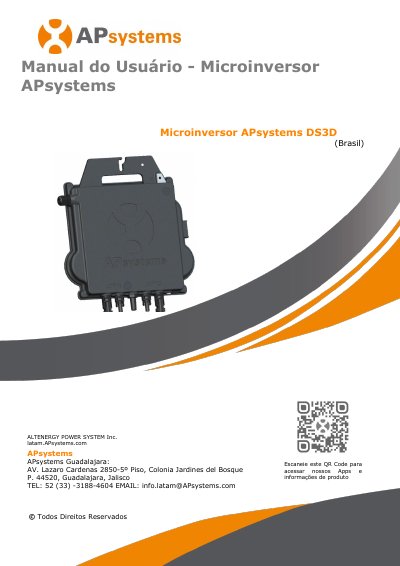
This Portuguese-language user manual is for the APsystems DS3D microinverter. It describes the APsystems microinverter system, including the microinverter, ECU, and EMA, and explains safety symbols and precautions.
It provides installation steps, operating instructions, troubleshooting guidance, replacement information, technical data, and wiring diagrams. The manual states that each DC input has an MPPT, DC input voltage never exceeds 120 V, external operation is supported up to 65°C ambient, and the inverter enclosure meets IP67. This manual is written in Portuguese.
| Maximum ambient operating temperature | 65°C |
|---|---|
| Enclosure rating | IP67 |
| Maximum DC input voltage | 120 V |
| MPPT | One per DC input |
| Module compatibility | Most 60- and 72-cell PV modules or 120- and 144-half-cut-cell modules |
The system is composed of the APsystems microinverter, the ECU (Energy Communication Unit), and EMA (Energy Monitor and Analysis).
The microinverter is designed to operate at maximum power in ambient temperatures up to 65°C.
The inverter enclosure is designed for outdoor installation and meets IP67.
The ECU is installed by connecting it to any wall outlet and providing an Ethernet or Wi-Fi connection to the router or broadband modem.