
Key facts
- Manuals
- 1
- Languages
- EN
- Last added
- 2026-10-14
Featured AP systems manuals
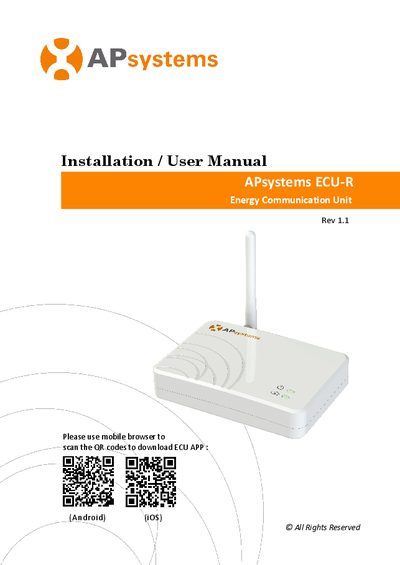
APsystems ECU-R Energy Communication Unit Installation and User Manual
The APsystems ECU-R serves as an information gateway for inverters, collecting module performance data and transferring it to an Internet database in real time. It is designed for utility-interactive grid-tied applications and requires only a single data and power cable to function. The unit integrates with APsystems inverters, the ECU APP, and the Energy Monitoring and Analysis (EMA) system to provide precise analysis of solar installations.
Covers: Introduction · Interface Explanation · Hardware Installation · ECU-R User Interface · Technical Data · Contact Information
Latest AP systems manuals
APsystems ECU-R Energy Communication Unit Installation and User Manual
User Manual 21 pages · 2.8 MB · ENThis manual covers the installation, interface explanation, and user interface guide for the APsystems ECU-R Energy Communication Unit.
Which document do I need?
User Manual
Day-to-day operation, settings and troubleshooting. Start here if the product is already set up.
Questions answered in AP systems manuals
How do I reset the ECU-R to default settings?
Press the Reset button for three seconds or longer to return the unit to default settings.
From: APsystems ECU-R Energy Communication Unit Installation and User Manual
Is the ECU-R suitable for outdoor installation?
No, the ECU-R is not rated for outdoor use and must be enclosed in a weatherproof box if installed outdoors.
From: APsystems ECU-R Energy Communication Unit Installation and User Manual