
This is a user manual for the Insta360 ONE X2 camera. It describes the different parts of the camera, how to use the camera, and how to connect to the Insta360 app.
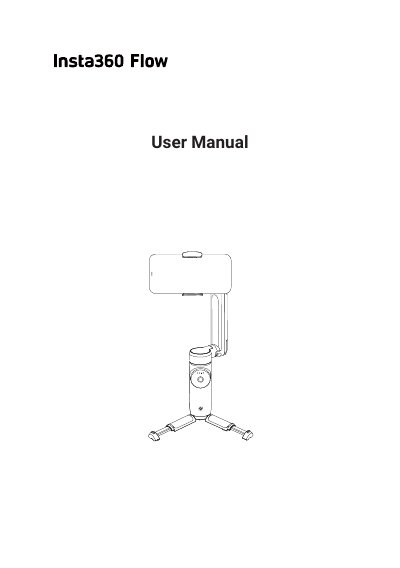
The Insta360 Flow is an AI tracking smartphone stabilizer designed to attach to a mobile device via a magnetic mount. It features advanced auto-tracking capabilities to keep subjects in frame and a 3-axis stabilization system for ultra-smooth shots. The device includes a built-in selfie stick and tripod for versatile shooting scenarios. This manual is written in Chinese.
| Product Type | AI tracking smartphone stabilizer |
|---|---|
| Stabilization | 3-axis stabilization |
| Mounting | Magnetic phone clamp |
| Selfie Stick Length | 215mm |
| Selfie Stick Angle | 0° to 90° |
Hold Flow around the Pan Arm and gently pull the handle down.
Hold the Pan Arm and pull the handle up to close and power off Flow.
They show the current battery level or the selected Flow mode.