
This manual provides instructions for the Insta360 Flow, a three-axis smartphone gimbal with built-in selfie stick and tripod.
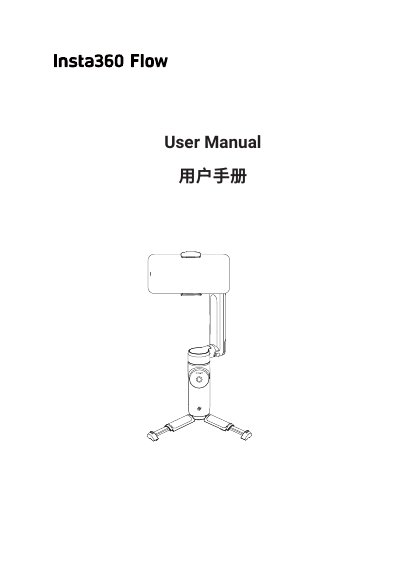
The Insta360 Flow is a three-axis gimbal designed to mount smartphones via magnetic clamps. It supports both horizontal and vertical screen shooting and connects to the Insta360 App via Bluetooth for camera control. The device features a foldable design, an integrated selfie stick that extends up to 215mm, and a built-in tripod for stable placement on flat surfaces. This manual is written in Chinese.
The Insta360 Flow is a three-axis gimbal designed for smartphones that supports both horizontal and vertical screen shooting.
The built-in selfie stick can be extended to a maximum length of 215mm.
You must use a 5V power adapter to charge the Flow.