
USER MANUAL Kids 4G Video Smart Watch with GPS Tracking
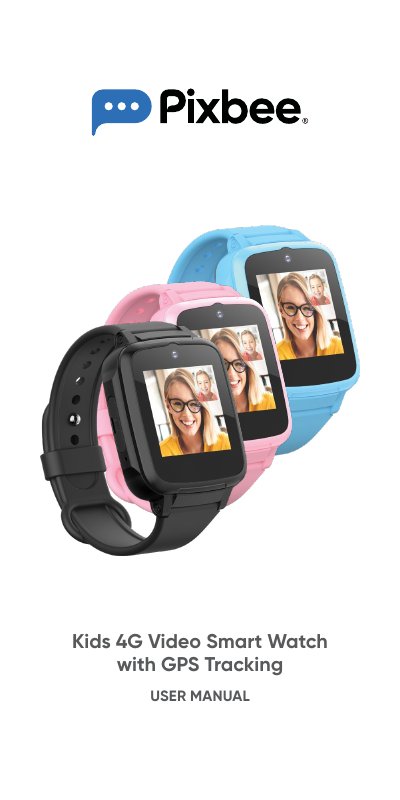
This manual provides instructions for the Pixbee Kids 4G Video Smart Watch, including safety precautions, package contents, and technical specifications. It details how to insert the SIM card, charge the device, and power it on.
| Memory | 4GB (ROM) + 512MB (RAM) |
|---|---|
| Display | 1.44" IPS Touch Screen |
| Battery | 600mAh |
| Dimensions | 54.4 x 42.8 x 14.7mm |
| Camera | 2.0MP |
| Water Resistance | IP67 |
| Compatible OS | Android 6.0 or IOS 11.0 and later |
It takes approximately 3 hours to charge the Pixbee Video Smart Watch.
No, the Pixbee Video Smart Watch cannot be used while charging.
A minimum 2GB capacity is recommended for optimal coverage and battery performance.