
The POD Go is a guitar multi-effects processor with the following features:
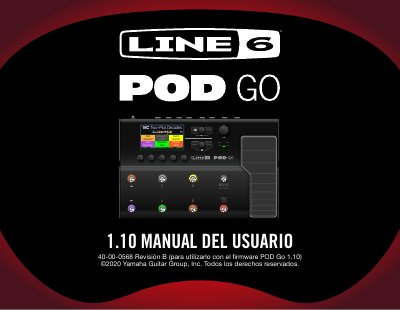
The Line 6 POD Go is a compact guitar multi-effects processor that allows simultaneous use of an amp/preamp block, a cab/IR block, a wah block, a volume pedal block, a preset EQ block, an FX loop block, and up to four additional effects blocks. It includes over 70 guitar and bass amp models, 37 cab models, 16 microphone models, and more than 200 effect models, plus storage for up to 128 custom or third-party impulse responses.
The manual explains the top and rear panel controls, the color LCD main screen, the six footswitches with colored LED rings, the built-in expression pedal (switchable between EXP 1 and EXP 2), and the USB audio/MIDI interface for recording and re-amping. It details workflows for creating and saving presets, using snapshots for parameter variations within a preset, assigning controllers via Bypass/Control, configuring global settings (Ins/Outs, Preferences, Switches/Pedals, MIDI/Tempo), and updating firmware via the Line 6 POD Go Edit application. This manual is written in Spanish.
| Cab Models | 37 cab models |
|---|---|
| Microphone Models | 16 microphone models |
| Custom IR Storage | Up to 128 custom or third-party IRs |
| Footswitches | 6 footswitches with colored LED rings |
| Display | Color LCD main screen |
| Firmware Version | 1.10 (as per manual revision) |
The POD Go can store up to 128 custom or third-party impulse responses at once.
A preset is your tone, and it is made up of all blocks, parameter settings, snapshots, footswitch assignments, and controller assignments.
Press TAP two or more times to set the BPM for any tempo-based effect, such as delay or modulation.