
DiO Electric Roller Shutter Motor User Manual.
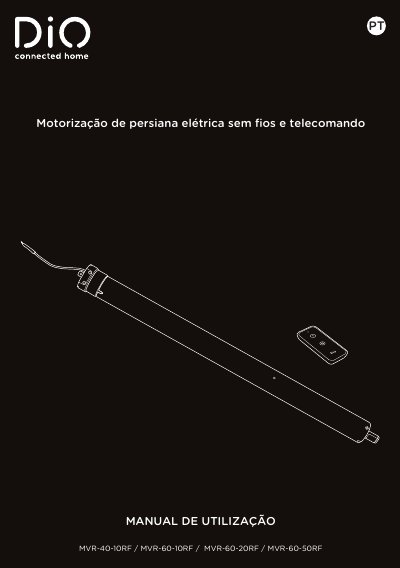
The DiO MVR-40-10RF, MVR-60-10RF, MVR-60-20RF and MVR-60-50RF are wireless tubular motors for electric roller shutters and blinds. The Portuguese manual covers safety warnings, kit contents, mechanical installation in the winding shaft, electrical connection, remote-control pairing and limit-switch adjustment.
It explains how to pair the main DIO 1.0 one-channel remote and additional DiO 1.0 controls, how to reverse up/down direction, and how to delete a remote. It also describes setting the lower and upper limit positions with the supplied adjustment key. Up to 12 DiO 1.0 wireless controls can be installed per motor, and the motor is not compatible with the micro-module for switch (ref. 54700). This manual is written in Portuguese.
| Motor diameter | 45 mm (35 mm for Ref. MVR-40-10RF) |
|---|---|
| Drive wheel diameter | 60 mm (40 mm for Ref. MVR-40-10RF) |
| Octagonal ring diameter | 60 mm (40 mm for Ref. MVR-40-10RF) |
| Compatible shutter materials | Wood, PVC or aluminium |
| Maximum wireless controls | 12 per motor |
| Included remote control | One-channel DIO 1.0 remote control |
| Thermal protection | Motor switches off automatically; wait about twenty minutes |
Up to 12 DiO 1.0 wireless controls can be installed per roller shutter motor.
After powering the motor, press the remote’s ON (“I”) button for 2 seconds within 2 minutes; a short back-and-forth movement confirms pairing.
Press the OFF (“O”) button for 2 seconds; the motor makes a short back-and-forth movement to confirm the change.
The motor switches off automatically; wait about twenty minutes and it will resume normal operation.