
LC350 Video Projector User Manual, introduces the features and specifications of the projector.
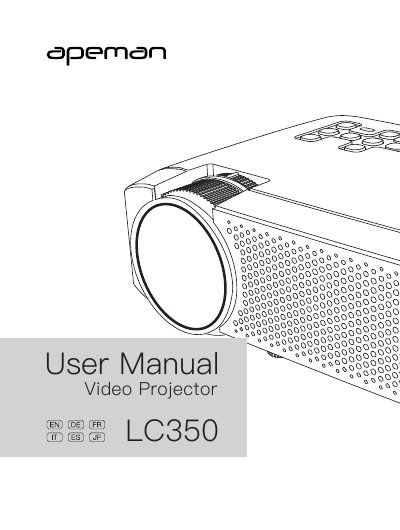
This is the user manual for the Apeman LC350 video projector. It opens with safety attentions, then identifies the machine buttons and ports and the keys of the remote controller. The text is provided in English, German, French, Italian, Spanish and Japanese.
The manual explains start-up from standby, keystone correction and lens focus adjustment, selecting an input source, and connecting multimedia devices, HDMI devices, VGA (PC), AV video devices and audio devices. It closes with the main menu, specifications, projection distance and screen size, and a warranty section with regional support addresses.
| Input/output ports | TF card slot, USB input, HDMI interface, AV input, audio output, VGA input, power input |
|---|---|
| Selectable input sources | USB, TF, HDMI, VGA, AV |
| Video and music file formats | Video: MP4/AVI/WMV/RMVB; Music: MP3/WMA/OGG/AAC/FLAC/APE/WAV |
| Picture and text file formats | Picture: JPEG/BMP/PNG; Text: .txt |
| Adjustment controls on machine | Keystone wheel and focus wheel |
Connect the included AC power cord to the power input port, then press the power switch button on the machine or the button on the remote controller. When start-up succeeds the indicator turns blue.
Adjust the keystone correction and lens focus thumb wheels until the picture is clear.
Video files in MP4/AVI/WMV/RMVB, music in MP3/WMA/OGG/AAC/FLAC/APE/WAV, pictures in JPEG/BMP/PNG, and text files in .txt.
No. The manual says not to combine new batteries with old ones, because insufficient power supply can cause operation failure.