
Key facts
- Manuals
- 1
- Languages
- EN
- Last added
- 2023-11-15
Featured Apeman manuals
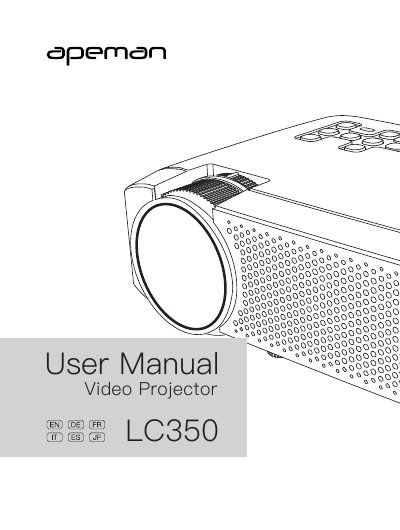
Apeman LC350 Video Projector User Manual
This is the user manual for the Apeman LC350 video projector. It opens with safety attentions, then identifies the machine buttons and ports and the keys of the remote controller. The text is provided in English, German, French, Italian, Spanish and Japanese.
The manual explains start-up from standby, keystone correction and lens focus adjustment, selecting an input source, and connecting multimedia devices, HDMI devices, VGA (PC), AV video devices and audio devices. It closes with the main menu, specifications, projection distance and screen size, and a warranty section with regional support addresses.
Covers: Attentions · Keys Introduction · Machine Buttons · Remote Controller · Operation · Select an Input Source
Latest Apeman manuals
Apeman LC350 Video Projector User Manual
User Manual 100 pages · 7.7 MB · ENUser manual for the Apeman LC350 video projector: buttons and remote, start-up, keystone and focus adjustment, input sources, connections and specifications.
Which document do I need?
User Manual
Day-to-day operation, settings and troubleshooting. Start here if the product is already set up.
Questions answered in Apeman manuals
How do I turn on the LC350 projector?
Connect the included AC power cord to the power input port, then press the power switch button on the machine or the button on the remote controller. When start-up succeeds the indicator turns blue.
How do I get a clear picture?
Adjust the keystone correction and lens focus thumb wheels until the picture is clear.