
Varia VX3 and VX4 is a high-precision, high-efficiency tool change system. It can change tools in 20 seconds and guarantee the accuracy of the tools.
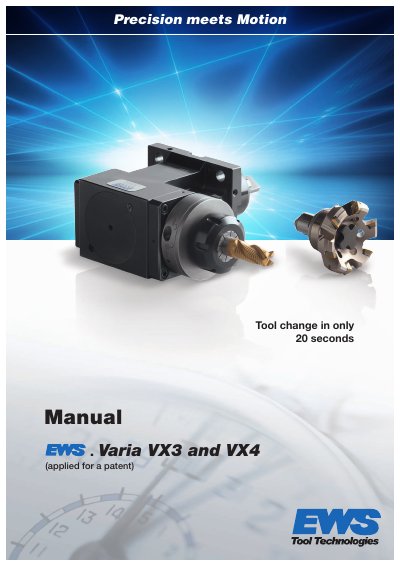
This EWS manual covers the Varia VX3 and VX4 insert clamping system, which allows tool changes in only 20 seconds. It explains how to clamp and remove Varia inserts for EWS Weigele GmbH & Co. KG tools.
Topics include clamping the insert, removing it with the integrated mechanical expulsion system, and accessories such as assembly blocks, adaptors, and a torque wrench. Inserts are tightened with 6 Nm and can be fitted in three positions shifted by 120°.
| Tool change time | 20 seconds |
|---|---|
| Clamping torque | 6 Nm |
| Insert positions | 3 positions shifted by 120° |
Open the clamping ring by turning the clamping screw anti-clockwise, clean the interface, assemble the insert, then turn the Varia screw clockwise and tighten it with 6 Nm.
Open the clamping ring by turning the Varia screw anti-clockwise; the integrated mechanical expulsion system pushes the insert out so it can be removed.
A higher torque will lead to damage, so the insert should be tightened with 6 Nm.