
This Quick Start Guide introduces the features and performance of the Pundit 250 Array ultrasonic thickness gauge.
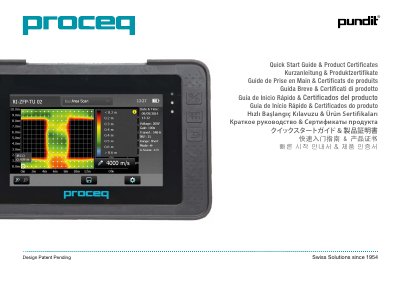
This Quick Start Guide for the Proceq Pundit 250 Array does not replace the Operating Instructions; complete instructions and safety handling information are available on the Touchscreen Unit, the DVD delivered with the product, and the Proceq website. The guide covers the scope of delivery and initial setup.
Setup steps include installing and charging the battery in the Pundit Touchscreen and six AA rechargeable batteries in the Pundit Array Transducer. The array transducer connects to the 12-pin connector, while pulse echo and standard pulse velocity transducers connect to the sub-D connector. The guide also describes starting the Touchscreen, the main menu, and using PL-Link to check for software updates.
| Touchscreen battery charging before first use | 8 hours |
|---|---|
| Quick charger full charging time | < 5.5 h |
| Pundit Array Transducer boot time | About 20 seconds |
| Array transducer connector | 12 pin |
| Array transducer battery type | 6x rechargeable AA |
| Charge status indication | 5 LEDs lit indicate more than 80% charge |
The Pundit Touchscreen battery must be charged for 8 hours before first use.
It takes about 20 seconds to boot up after the Power button is pressed.
Install PL-Link from the supplied DVD, connect the instrument to a PC using the USB cable, ensure Internet access, and click the PQ-Upgrade icon.
Five lit LEDs indicate a charge of more than 80%.