
This document is the user manual of density meter VW-S1.
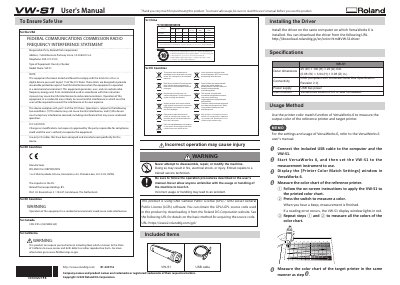
This manual covers the Roland DG VW-S1 Density Checker, a USB-powered color measurement device used with VersaWorks 6 to measure output color from reference and target printers.
It provides safety and regulatory notices, lists the included VW-S1 and USB cable, explains driver installation, gives product specifications, and describes how to measure color charts using the device switch and display window.
| Type of equipment | Density Checker |
|---|---|
| Outer dimensions | 25 (W) x 100 (H) x 25 (D) mm |
| Interface | USB 2.0 |
| Power supply | USB bus power |
| System requirement | VersaWorks version 6.8.0 or later |
The package includes the VW-S1 and a USB cable.
It is powered through USB bus power from the computer.
VersaWorks version 6.8.0 or later must be installed on the computer.
Press the switch on the VW-S1; a beep indicates that measurement is finished.