
The LSPDM configuration software user manual is applicable to guide the configuration and diagnosis of the LSPDM type safety laser scanner.
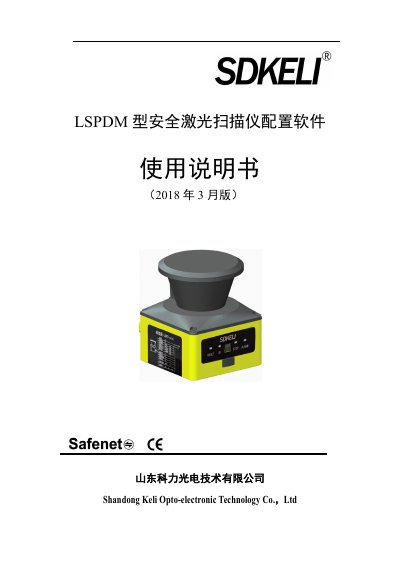
This user manual guides the installation, configuration, and diagnosis of Shandong Keli LSPDM safety laser scanner configuration software. It applies to LSPDM safety laser scanners and is not intended for similar products from other manufacturers.
Topics include system requirements and software installation, the software user interface, configuration examples for LSPDM-0227BP scanners, diagnostics, window diagnostics, configuration copying, device type switching, and common problems with solutions. This manual is written in Chinese.
| Communication interface | USB2.0/3.0 |
|---|---|
| Computer CPU | Dual-core or higher processor |
| Memory | 512M or larger |
| Free hard disk space | 400M or larger |
| Compatible system | Microsoft Windows XP/7/8/8.1 |
It requires USB2.0/3.0, a dual-core or higher CPU, 512M or larger memory, 400M or larger free hard disk space, and compatible Windows systems.
Close the software, power off the scanner, reconnect the cable, power on the scanner, wait about 10 seconds, then establish the connection and select the correct COM port.
Uninstall the FTDI CDM driver packages from Windows Control Panel, then reinstall the driver from the LSPDM software installation package on the CD.