
This manual guides users on installing, configuring, and troubleshooting the configuration software for the Shandong Keli LS obstacle-avoidance laser radar.
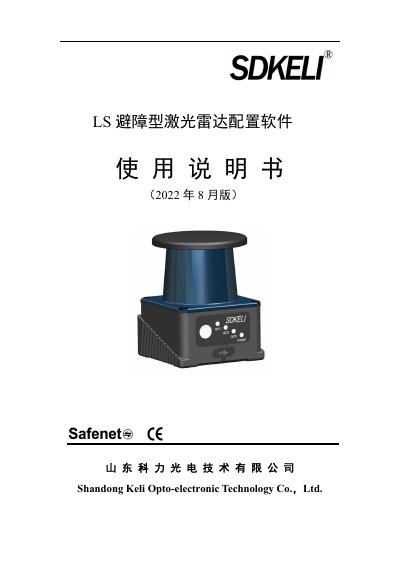
The document is a user guide for the LS Configuration Software provided by Shandong Keli Opto-electronic Technology Co., Ltd. It details the installation environment requirements, including supported operating systems like Windows XP through 10 and minimum hardware specifications such as USB 2.0/3.0 interfaces and dual-core processors.
The manual covers software installation and uninstallation procedures, startup methods via shortcuts or menus, and an overview of the user interface components including menus, device information bars, and toolbar functions. It provides practical application examples for configuring protection zones and transferring settings between devices, as well as a troubleshooting section addressing connection failures and USB driver issues. This manual is written in Chinese.
| Communication Interface | USB2.0/3.0 |
|---|---|
| CPU Requirement | Dual-core or higher processor |
| Memory Requirement | 512M or larger |
| Free Hard Disk Space | 400M or larger |
The software requires a dual-core or higher processor, at least 512MB of memory, and 400MB of free hard disk space.
The software supports Microsoft Windows XP (32-bit SP3 or later), Windows 7, Windows 8, and Windows 10.
You can uninstall it via the Start menu by selecting 'Uninstall LS Laser Radar Configuration Software' or through the Control Panel's 'Programs and Features'.
Try closing the software, powering off the radar, unplugging and replugging the cable, ensuring power is on for at least 6 seconds before connecting.