
The IMPECCA™ Compact Home DVD Player is a versatile device that can play DVDs, CDs, and MP3 discs. It also has a USB port that allows you to play music, photos, and videos from a flash drive. The device supports multiple languages, including English, Spanish, and French.
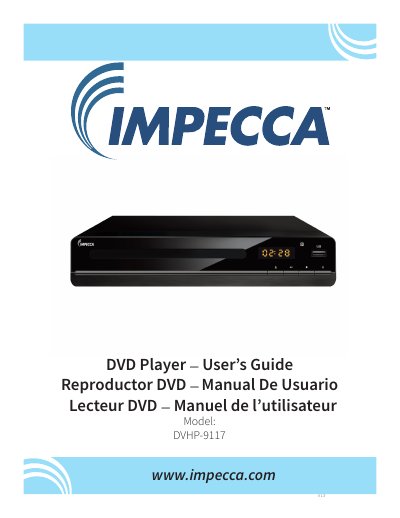
This is the user's guide for the IMPECCA™ Compact Home DVD Player, model DVHP-9117, provided in English, Spanish and French. It explains the player's features, what is included in the box, front and rear panel controls, remote controller functions, and how to connect the player to a TV or amplifier using RCA audio/video cables, a coaxial digital audio cable, or HDMI.
The manual also covers basic DVD player operation, additional features such as zoom, parental lock, fast search and USB playback, setup settings, troubleshooting steps, technical specifications, customer support and the one year limited warranty for the US. The player is a Class 1 laser product and is designed to operate on 120V – 60Hz power only.
| Power requirement | 120V – 60Hz only |
|---|---|
| Laser classification | Class 1 Laser Product |
| USB port | USB 2.0 |
| Supported disc/media formats | DVD Video, DVD+R, DVD+RW, Audio CD, CD-R, CD-RW, HDCD, VCD, SVCD, Kodak Picture CD, JPEG, WMA, MP3, MPEG1-2-4 |
| Menu languages | English, French, Spanish |
| Display | LED Amber Display |
| Rear panel outputs | HDMI, audio left/right, video, coaxial digital output |
The remote control uses two AAA size batteries, inserted with the + and - polarities matching the battery compartment.
Connect an HDMI cable (not included) to the HDMI jack on the rear of the DVD player and to the HDMI input jack on your television.
Moisture may have condensed on the lenses inside the player. Remove the disc and leave the player turned on for about half an hour until the moisture evaporates.
Press the N/P button on the remote control to select between NTSC and PAL output signal.