
This is a tablet user manual that introduces the basic operating methods and precautions for the tablet.
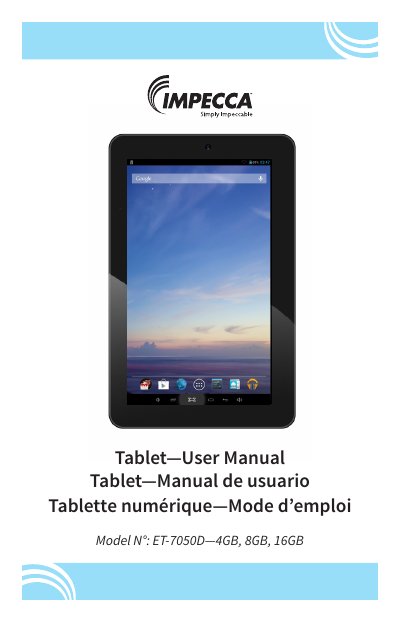
This Impecca ET-7050D user manual provides handling guidelines, a unit overview, and operation instructions for the 7-inch Android tablet. It explains power on/off, lock and sleep, charging, the Home Screen, Settings, Wi-Fi connection, application installation and removal, web browsing, audio and video playback, pictures, and camera use.
The manual also covers connecting the tablet to a PC, troubleshooting, technical support contact details, and device specifications. The document includes English, Spanish, and French text.
| Display resolution | 1024 x 600 |
|---|---|
| OS | Android 4.2 |
| Internal storage capacity | 4GB, 8GB, 16GB |
| SD Card capacity | up to 32GB |
| Audio formats | MP3, WMA, FLAC, APP, OGG |
| Video formats | MP4, DIVX, WMV, RMVB, H.264/1080P |
| Wireless networking | 802.11b/g/n |
| Operating temperature | -20°C to 60°C |
| Battery | Poly-lithium battery |
Press and hold the power button for 3 seconds; the unit will display the start-up logo.
Open Settings, tap Wi-Fi, turn on the wireless radio, and tap the name of your network. Enter a password if the network is secured.
The device specifications list Android 4.2.
Open Camera from the Apps menu and tap the blue button to take the picture.