
Sitten AD5 mobile power supply user manual.
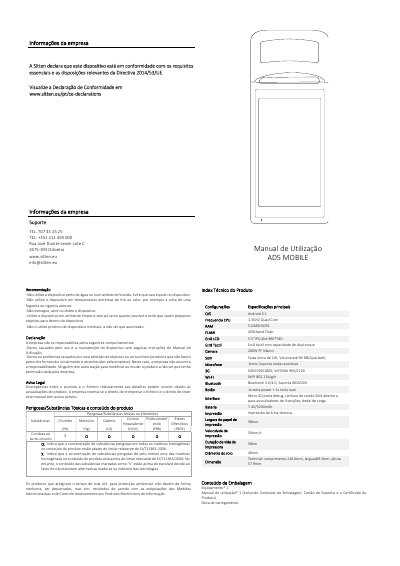
This document is the user manual for the Sitten AD5 MOBILE, a mobile power supply device featuring an Android operating system, a thermal printer, and 2G/3G connectivity. The manual provides essential safety warnings, including prohibitions against use near water or in extreme temperatures, and outlines the manufacturer's liability limitations regarding unauthorized modifications or non-approved consumables.
The guide details the device's technical specifications, such as its 5.5-inch touchscreen, 5200mAh battery, and support for GSM/WCDMA networks. It includes step-by-step instructions for initial setup, including inserting SIM cards and configuring Wi-Fi, as well as procedures for printing receipts and troubleshooting common issues like device failure or screen locking. This manual is written in Portuguese.
| Operating System | Android 5.1 |
|---|---|
| CPU Frequency | 1.3GHz Quad Core |
| RAM | 512MB DDR2 |
| Flash Memory | 4GB Nand Flash |
| Screen Size | 5.5 inch |
| Screen Resolution | 960*540 |
| Camera | 200W FF Macro |
| Speaker Power | 1W |
| Microphone | 1xmic |
| Network Support | GSM 900/1800, WCDMA 900/2100 |
| Wi-Fi | 802.11b/g/n |
| Bluetooth | 3.0/4.0 |
| Battery | 7.4V/5200mAh |
| Printer Paper Width | 58mm |
| Printer Speed | 50mm/s |
| Printer Lifespan | 50km |
| Internal Battery | 3.7V/3000mAh |
Press the Power key for 2-3 seconds to start the device if it is off.
No, the device only supports charging via the docking station.
Press the Power key for 11 seconds to automatically restart the device.
It may cause malfunction; ensure the device is off before inserting or removing the SIM card.