
This guide describes the Omega Engineering OM-USB-3103 data acquisition device and lists device specifications.
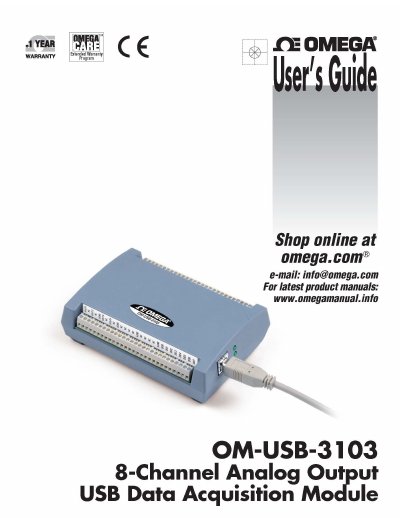
This user's guide describes the Omega Engineering OM-USB-3103, a USB 2.0 full-speed data acquisition device that is supported under popular Microsoft Windows operating systems and is fully compatible with both USB 1.1 and USB 2.0 ports. The device provides eight channels of analog voltage output using two quad 16-bit DACs, eight bidirectional digital I/O connections, and one 32-bit event counter that can count TTL pulses.
The guide covers installation of the software and hardware, calibration, functional details of the external components and signal connections, and full device specifications. The OM-USB-3103 is powered by the +5 volt USB supply from the computer, requires no external power, and makes all I/O connections through screw terminals.
| Analog voltage outputs | 8 channels (VOUT0 to VOUT7) |
|---|---|
| DAC resolution | 16-bit, two quad (4-channel) DACs |
| Voltage output range | ±10 V bipolar or 0 to 10 V unipolar, software-programmable per channel |
| Digital I/O | 8 bidirectional connections (DIO0 to DIO7) |
| Counter | One 32-bit event counter, TTL pulses |
| USB interface | USB 2.0 full-speed, compatible with USB 1.1 and 2.0 ports |
| Power | +5 V from USB supply, no external power required |
| Wire gauge | 16 AWG to 30 AWG |
The device is shipped fully calibrated and the normal calibration interval is once per year. Return the device to Omega Engineering when calibration is required.
No. The device is powered by the +5 volt USB supply from your computer, so no external power is required.
Yes. The driver needed to run the OM-USB-3103 is installed with the software, so you need to install the software before you install the hardware.
Disconnect the USB cable from the computer and then reconnect it. This should restore communication and the power LED should turn back on.