
This user guide covers the installation, operation, and software usage for the Omega OM-CP-PRHTEMP2000 Temperature, Humidity, and Pressure Data Logger.
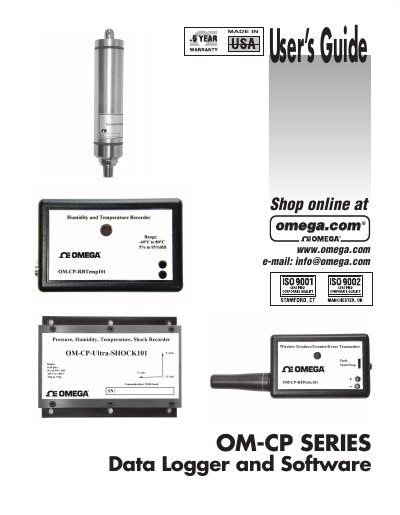
The document serves as a comprehensive manual for the Omega Engineering OM-CP Series Data Loggers. It details hardware setup, including package inspection and battery replacement procedures, alongside specific instructions for attaching interface cables.
A significant portion of the guide is dedicated to the accompanying software, explaining how to install it, run data collection, and navigate various menus such as File, View, Communications, Device, Graph, and Help. It also includes sections on PDA software integration and troubleshooting.
| Measurement Intervals | once every 2 seconds to once every 12 hours |
|---|---|
| Data Export Format | Microsoft Excel or Lotus 1-2-3 |
The device can record data at user specified intervals ranging from once every 2 seconds to once every 12 hours.
Data can be saved in formats easily read by Microsoft Excel or Lotus 1-2-3.