
The BONITEL T322 is a GPS vehicle tracker that has the following features: 1. Real-time tracking of vehicle location 2. Monitoring of vehicle行驶状态 3. Receiving vehicle alarm information 4. Remote control of the vehicle
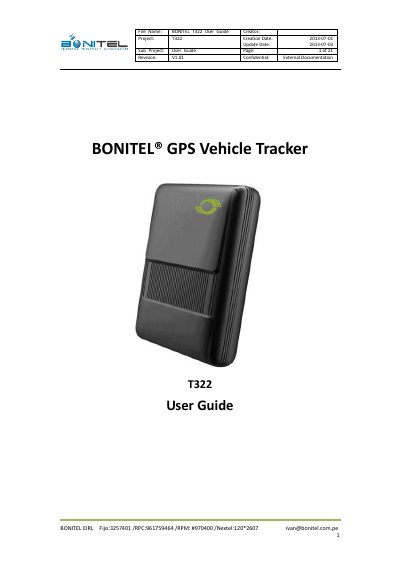
This user guide describes the BONITEL T322, a GPS vehicle tracker with a U-blox 7 GPS receiver and quad band GSM module. It covers the tracker's functions and specifications, the supplied accessories, LED indications, and first use steps such as installing the SIM card and configuring the device by computer with MEITRACK Manager.
The guide also explains tracking by mobile phone, geo-fence and authorized event configuration, arming and disarming, the wireless remote control, and installation in a vehicle, including GPS antenna connection, I/O cable wiring, engine cut, buzzer alarm and microphone/speaker connections.
| Dimension | 70.5*54*19.5mm |
|---|---|
| Weight | 220g |
| Input Voltage | DC 9V~36V/1.5A |
| Back-up Battery | 350mAh/3.7V |
| Operating Temperature | -20℃~55℃ |
| Humidity | 5%~95% |
| GSM Frequency | GSM 850/ 900/1800/1900MHz |
| GPS Chip | U-blox 7 chipset, 50 channels |
| GPS Sensitivity | -161dB |
| Positioning Accuracy | 10 meters |
| Memory | 1M Byte |
| Work Time | 50 hours power-saving, 3.5 hours normal |
There are three ways: press and hold the power ON/OFF button for 3-5 seconds, connect the tracker by USB cable to a computer, or connect it to an external power source.
Make sure the T322 is powered off, the SIM has sufficient credit and works in a phone, the SIM lock code feature is off, and the incoming Caller ID is not blocked.
Connect the T322 and PC with the USB cable, find the Prolific USB-to-Serial COM port in Device Manager, then run MEITRACK Manager, which automatically detects the port and model.
The optimum location is on the roof of the vehicle, facing up and lying as flat as possible, secured with glue or zip ties and not covered by metal objects.