
This document describes how to set up and use the Door/Window Sensor R12.
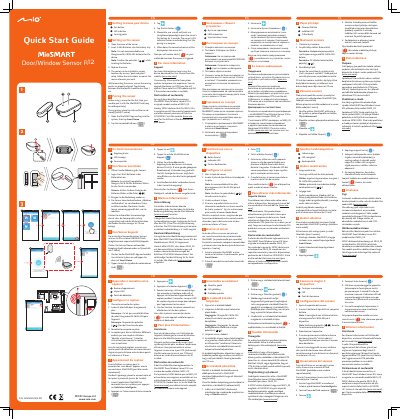
The Mio Door/Window Sensor R12 quick start guide explains how to install two AAA batteries, mount the sensor, and pair it with a MioSMART hub. It also points users to the Mio website for the full user manual and OTA updates.
Setup steps include opening the cover, aligning the sensing points at less than 1 cm apart, and pressing the Pair button for 2 seconds during pairing. The guide also lists regulatory model number N525_03 and a MiTAC conformity statement.
| Power source | 2 AAA batteries |
|---|---|
| Battery warning | Manganese/Ni-Cd/Ni-MH batteries are not recommended |
| Sensing point alignment distance | Less than 1 cm |
| Pairing distance | Within 1 metre |
| Pair button press duration | 2 seconds |
| Regulatory model number | N525_03 |
Open the cover, insert two AAA batteries with correct polarity, then replace the cover.
Place the hub and the sensor within 1 metre while pairing.
Open the MioSMART app, select the connected hub, tap Pair, then press the sensor's Pair button for 2 seconds.
The regulatory model number is N525_03.