
ROYTRONIC EXCEL™ Series AD9 Programming Guide Electronic Metering Pumps Instruction Manual introduces the features and specifications of the pump.
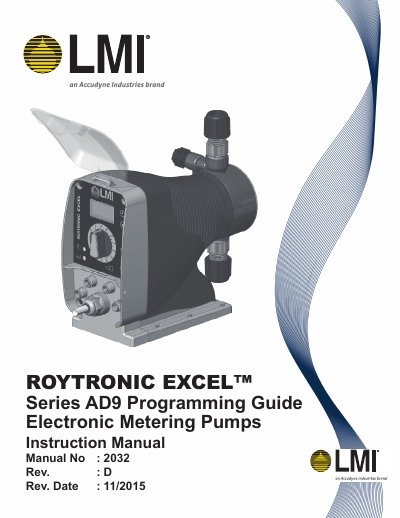
This manual (Manual No. 2032, Rev. D, 11/2015) is a supplement that describes programming and operation of the ROYTRONIC EXCEL Series AD9 electronic metering pump. The pump uses microprocessor control with a graphical display and tactile response keypad, and all external inputs and outputs are opto-isolated from the microprocessor. For installation, maintenance and troubleshooting, the text refers to the ROYTRONIC EXCEL Instruction Manual (P/N 2024).
The document explains the keypad and display elements, pump start/stop, speed setting, priming and keypad locking, and then covers the control mode selection menu (manual, pulse multiply, pulse divide, analog and timed event modes). The advanced configuration menu sections cover units, batch mode, pulse width, lock mode, clock, single-point and two-point calibration, alarm output configuration, remote internal-external mode input, DIGI-PULSE flow monitoring setup, percent-of-time operation, factory defaults and pump information.
| Stroke speed range | 1-59 SPH (strokes per hour) to 1-120 SPM (strokes per minute) |
|---|---|
| Speed setting range | 0 SPH to 120 SPM |
| Voltage input | Universal 95-240V with automatic line voltage compensation and over voltage protection |
| Pulse multiply/divide range | 1 to 9999 incoming pulses |
| Analog output | 4-20mA output for remote monitoring of stroke speed |
| Memory | Continuous non-volatile memory (EEPROM), no battery required |
| Prime period | Fixed-time prime period of 60 seconds |
| Missing pulses setting range | 0-255; factory default 8 |
Hold down the POWER button for about 5 seconds; the pump starts priming and stops automatically after 60 seconds, then reverts to the last used control mode.
The speed range runs from 0 SPH to 120 SPM. Holding the DOWN button below 1 SPM switches the display to SPH, down to 1 SPH.
Depress the DOWN and MODE buttons simultaneously for about 1 second until the Lock Icon appears or disappears; unlocking may require entering the pass code.
The valid range is 0-255 and the factory default is 8; a setting of 1 is the most sensitive and 255 the least sensitive.