
BE6i BLUETOOTH IN-EAR HEADPHONES USER MANUAL
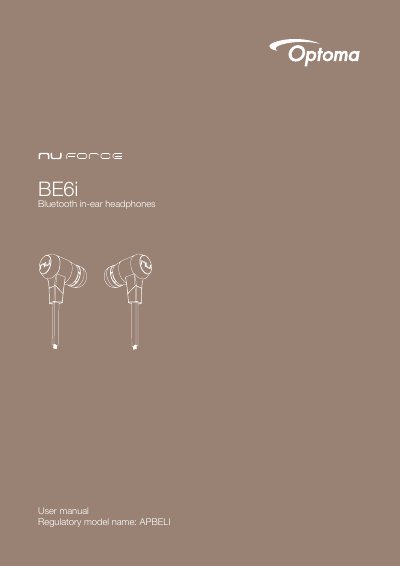
The Optoma NuForce BE6i is a Bluetooth in-ear headphone with an inline controller and microphone. The box includes silicone tips in L/M/S, two types of silicone tips, Comply tips, stabilizers, a cable loop, a carry case, a Micro-USB charging cable, a basic user's manual, and safety instructions.
The manual covers charging, checking battery level, Bluetooth pairing, power on/off, wearing, phone calls, music playback, pairing with a laptop or Mac, multipoint connections, restoring factory settings, voice prompts, FCC statements, and specifications. Listed specs include Bluetooth V4.0+EDR, a 10 mm dynamic driver, up to 8 hours battery life, and up to 10 m range.
| Connection type | Bluetooth 2.4Ghz |
|---|---|
| Bluetooth type | V4.0+EDR Compliant |
| Bluetooth profile | HSP 1.2, HFP 1.6, A2DP 1.2, AVRCP 1.4, aptX, AAC |
| Codec | SBC, aptX, AAC |
| Cable length | 550 mm |
| Driver type | Dynamic |
| Driver size | 10 mm |
| Impedance | 20 Ohm |
| Battery life (estimated) | Up to 8 hours |
| Battery type | Lithium-ion battery, Cylindrical Type, Typical 3.7V/120mAh |
| Microphone sensitivity | -42dB |
| Frequency response | 20Hz - 20kHz |
| Sensitivity | 95dB +/-3dB at 1KHz |
| Power consumption | 15mA at A2DP mode, speaker output 75dB SPL |
| Range | Up to 10m |
| Weight | 19 Grams |
Press and hold the Power/Function button for 6 seconds until the LED indicator flashes blue/red.
It takes up to 2.5 hours to fully charge the BE6i.
Press the Power/Function, Volume Up, and Volume Down buttons simultaneously; the LED indicator flashes red and blue, and the number of flashes indicates the battery level.
The BE6i can store pairing information for up to eight devices.