
Key facts
- Manuals
- 1
- Languages
- EN
- Last added
- 2023-11-11
Featured Optoma NuForce manuals
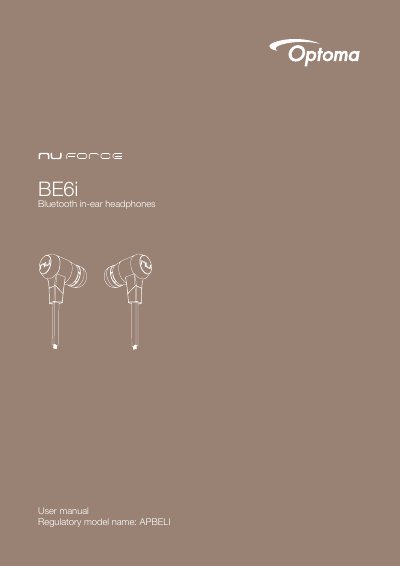
Optoma NuForce BE6i Bluetooth In-Ear Headphones User Manual
The Optoma NuForce BE6i is a Bluetooth in-ear headphone with an inline controller and microphone. The box includes silicone tips in L/M/S, two types of silicone tips, Comply tips, stabilizers, a cable loop, a carry case, a Micro-USB charging cable, a basic user's manual, and safety instructions.
The manual covers charging, checking battery level, Bluetooth pairing, power on/off, wearing, phone calls, music playback, pairing with a laptop or Mac, multipoint connections, restoring factory settings, voice prompts, FCC statements, and specifications. Listed specs include Bluetooth V4.0+EDR, a 10 mm dynamic driver, up to 8 hours battery life, and up to 10 m range.
Covers: What's in the box · Charging your BE6i · Checking battery level · Bluetooth pairing · Power on/power off · Wearing your BE6i
Latest Optoma NuForce manuals
Optoma NuForce BE6i Bluetooth In-Ear Headphones User Manual
User Manual 17 pages · 1022 KB · ENUser manual for Optoma NuForce BE6i Bluetooth in-ear headphones, covering charging, pairing, calls, music, multipoint, voice prompts, and specifications.
Which document do I need?
User Manual
Day-to-day operation, settings and troubleshooting. Start here if the product is already set up.
Questions answered in Optoma NuForce manuals
How do I put the BE6i into pairing mode?
Press and hold the Power/Function button for 6 seconds until the LED indicator flashes blue/red.
From: Optoma NuForce BE6i Bluetooth In-Ear Headphones User Manual
How long does it take to fully charge the BE6i?
It takes up to 2.5 hours to fully charge the BE6i.
From: Optoma NuForce BE6i Bluetooth In-Ear Headphones User Manual