
This instruction manual describes the features and characteristics of the EWS-820 weather station.
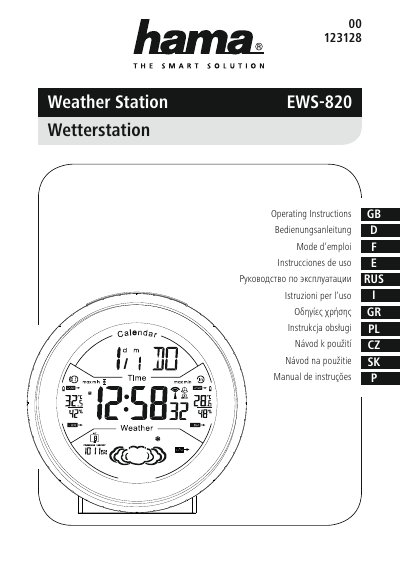
The Hama EWS-820 weather station consists of a base station and a measuring station. The document describes the controls and displays, package contents, safety instructions and battery insertion for both units.
It explains installation, initial settings, connection to the measuring station, channel selection and manual or DCF time settings. The base station shows indoor and outdoor temperature and humidity, atmospheric pressure, weather forecast and history values.
| Wireless transmission range | Up to 30 m in open spaces |
|---|---|
| Base station batteries | 2 x AA batteries |
| Measuring station batteries | 2 x AAA batteries |
| Transmission channels | CH1, CH2, CH3 |
| Atmospheric pressure unit | hPa/inHg |
Initial setup takes approximately 3 minutes.
Press and hold the CHANNEL button for about 3 seconds to start a manual signal search.
Yes. You can install two more measuring stations in addition to the included one, and the base and measuring stations must be set to the same channel.
The measuring station uses two AAA batteries.