
Quick start guide for the Hama DIT2105SBTX Digital Hi-Fi Tuner, covering setup, controls, connectivity, and safety instructions.
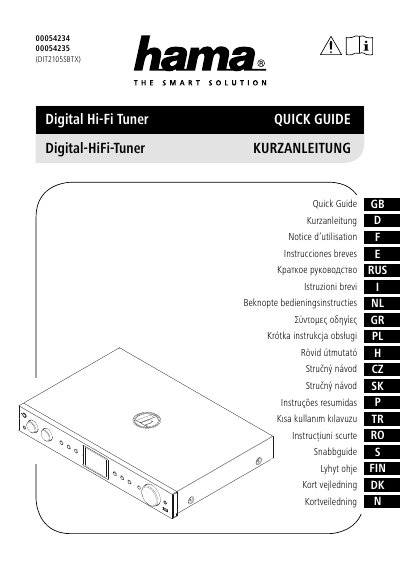
This document serves as a quick start guide for the Hama DIT2105SBTX Digital Hi-Fi Tuner. It provides essential information on product features, technical specifications, and setup instructions including network connections and initial use. The guide covers various connectivity options such as Ethernet LAN, WiFi, and Bluetooth, as well as supported audio formats and sources like DAB/DAB+, FM, Internet Radio, Spotify Connect, and Amazon Music.
| Display | 2.8" (7.11cm) Color TFT 320x240px |
|---|---|
| Power Supply | 100-240 V~5 0/60 Hz |
| Supported Languages | English, German, Danish, Dutch, Finnish, French, Italian, Norwegian, Polish, Portuguese, Spanish, Swedish, Turkish, Czech, Slovak |
| Bluetooth Receiver | 4.2, class 1, A2DP, AVRCP |
| Bluetooth Transmitter | 5.0, class 2, A2DP |
| USB File System | FAT32 |
| Audio Playback Formats | MP3, WMA, M4A, ADTS, FLAC, WAV |
| DAB/DAB+ Presets | 30 |
| FM Presets | 30 |
| Internet Radio Presets | 30 |
| Spotify Connect Presets | 30 |
| Amazon Music Presets | 10 |
The package includes the Digital-HiFi Tuner DIT2105SBTX, telescopic antenna, 2 antennas (1x BT, 1x Wifi), RCA cable, remote control, 2x AAA batteries, and a quick guide.
Press [POWER/VOLUME/ENTER/NAVIGATE] to switch on. Press and hold the same button for 3 seconds to switch off (standby).
Yes, you can use your phone, tablet, or computer as a remote control for Spotify by going to spotify.com/connect.
The remote control requires two AAA batteries.