
This is a user manual for an indoor FHD IP camera. The camera has the following features: 1080P HD resolution, wide angle lens, night vision, two-way audio, motion detection, mobile APP control, etc.
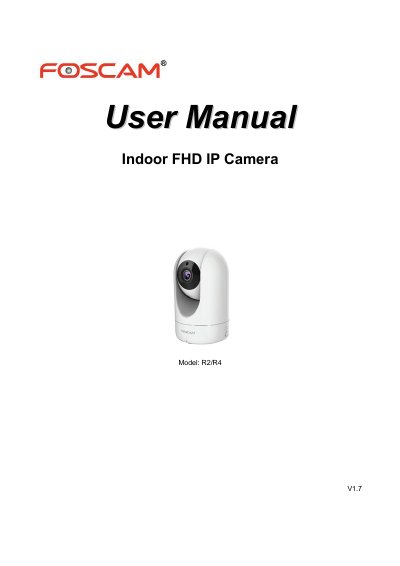
The Foscam R2/R4 is an indoor full-HD IP camera built around a color CMOS sensor, with 2.0 megapixels on the R2 and 4.0 megapixels on the R4. It uses H.264 video compression, supports P2P access, IR LEDs for night vision up to 8 m (26.2 ft), two-way audio, dual-stream video and SD card storage up to 64 GB, and is configured through a built-in web server.
This user manual (V1.7) walks through the security warning, package contents and physical description, SD card handling, wired and wireless access (EZLink, soft AP and WPS), remote access over WAN, the surveillance software GUI, and the advanced settings for network, video, detector, record, PTZ, firewall and system. It closes with playback, frequently asked questions, default parameters, specifications, CE/FCC notes, warranty and support information.
| Image Sensor | 1/3'' CMOS (R2) |
|---|---|
| Display Resolution | 1920 x 1080 (2.0 Megapixels) on R2; 4.0 Megapixels on R4 |
| Frame Rate | 30fps |
| Lens | f:2.8mm, F:2.6 |
| Angle of View | Horizontal 90°, Diagonal 110° |
| IR Range | 13 IR LEDs, up to 8 m (26.2 ft) |
| Image Compression | H.264 |
| Pan/Tilt Angle | Horizontal 300°, Vertical 100° |
| Audio | Two-way audio, built-in mic and speaker, PCM/G.726 |
| Wireless Standard | IEEE 802.11b/g/n, up to 150 Mbps |
| Power Supply | DC 5V/2A |
| Storage | SD card up to 64 GB |
The default username is admin with a blank password.
Push and hold the WPS/Reset button for more than 10 seconds; the Power light then blinks every 0.4 seconds.
The default HTTP port number is 88.
It supports SD card storage up to 64 GB.