
Key facts
- Manuals
- 1
- Languages
- EN
- Last added
- 2023-11-11
Featured Foscam manuals
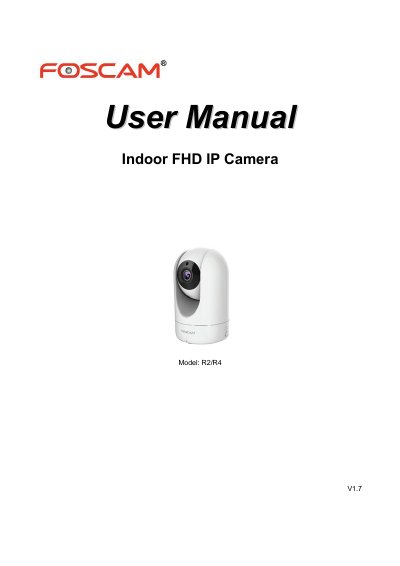
Foscam R2/R4 Indoor FHD IP Camera User Manual
The Foscam R2/R4 is an indoor full-HD IP camera built around a color CMOS sensor, with 2.0 megapixels on the R2 and 4.0 megapixels on the R4. It uses H.264 video compression, supports P2P access, IR LEDs for night vision up to 8 m (26.2 ft), two-way audio, dual-stream video and SD card storage up to 64 GB, and is configured through a built-in web server.
This user manual (V1.7) walks through the security warning, package contents and physical description, SD card handling, wired and wireless access (EZLink, soft AP and WPS), remote access over WAN, the surveillance software GUI, and the advanced settings for network, video, detector, record, PTZ, firewall and system. It closes with playback, frequently asked questions, default parameters, specifications, CE/FCC notes, warranty and support information.
Covers: Security Warning · Overview · Access the IP Camera · Surveillance Software GUI · Advanced Camera Settings · Playback
Latest Foscam manuals
Foscam R2/R4 Indoor FHD IP Camera User Manual
User Manual 83 pages · 4.1 MB · ENFoscam R2/R4 Indoor FHD IP Camera user manual covering wired and wireless setup, the web GUI, advanced camera settings, playback and specifications.
Which document do I need?
User Manual
Day-to-day operation, settings and troubleshooting. Start here if the product is already set up.
Questions answered in Foscam manuals
What are the default username and password?
The default username is admin with a blank password.
How do I reset the camera to factory default?
Push and hold the WPS/Reset button for more than 10 seconds; the Power light then blinks every 0.4 seconds.