
KL283 series electronic load completely reach the manual technical indicators .
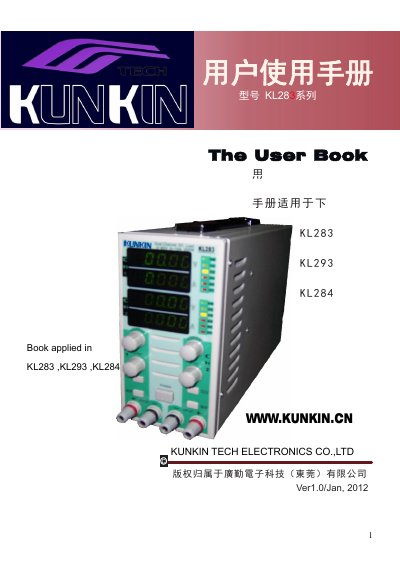
The Kunkin KL283 Series electronic load is described for testing and burn-in in LED lighting, power supply, charger and battery applications. The manual explains that current mode can simulate a resistive load for battery discharge and power-supply loading, while voltage mode can simulate a capacitive load for chargers and the constant-voltage behavior of LEDs for LED driver testing.
The document covers safety warnings, certification and warranty terms, power-on operation, CC/CV mode selection, and external control. It notes features such as five-digit LED voltage/current displays, overvoltage/overcurrent/overpower/overtemperature/reverse-polarity protection, two isolated input channels, smart fan control, and remote sense and external analog control on some models. This manual is written in Chinese.
| Display | 5-digit LED display for voltage and current |
|---|---|
| Operating modes | Constant voltage (CV) and constant current (CC) |
| Protection | Overvoltage, overcurrent, overpower, overtemperature and reverse-polarity protection |
| Input channels | Two isolated independent input channels |
| External CC control range | 0–15 A |
| External CV control range | 0–80 V |
| Power line | AC220V |
It is used for testing and burn-in of products in LED lighting, power supply, charger and battery applications.
Set the rear-panel switch to SLAVE.
Confirm that the rear-panel MASTER/SLAVE switch is set to MASTER.
The manual specifies connecting the AC220V power line.