
This product is a DVD player with the following features: 1.Supports multiple formats of DVD discs 2.Supports multiple video output interfaces 3.Supports multiple audio output interfaces 4.Supports multiple language subtitles
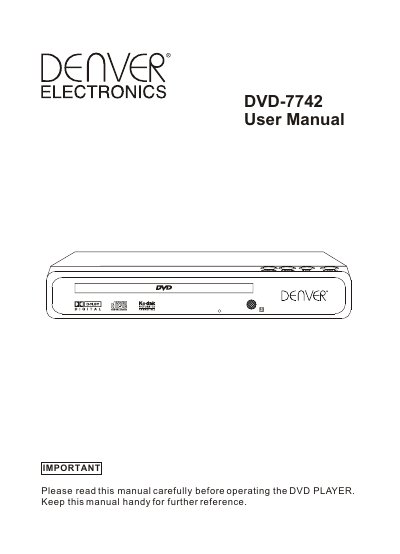
This user manual covers the Denver DVD-7742 DVD player. It describes the front and rear panel controls, including the remote sensor, OPEN/CLOSE, PLAY/PAUSE, STOP and standby buttons, plus the rear panel power input (110V-230V, 50Hz/60Hz, 25W) and SCART output.
The manual explains how to connect the player to a TV and amplifier, basic disc playback, the setup menu (language, subtitle, audio, DVD menu, video, rating and misc settings), picture CD playback with rotation and zoom, troubleshooting steps, and technical specifications.
| Power requirements | 110-230V, 50/60Hz |
|---|---|
| Power consumption | 25W |
| Video standard | PAL/NTSC |
| Net weight | 4.3Lbs (1.9Kg) |
| Unit Dimensions | 225mm x 250mm x 38mm |
| Video out | 1.0Vp-p (75 load) |
| Audio out | Analog out 2Vrms (1KHz); digital 1.15Vp-p |
| Frequency response | 48KHz sampling 4Hz-22KHz; 96KHz sampling 4Hz-44KHz |
| S/N ratio | >90dB |
| Total harmonic distortion | <0.05% |
| Accessories | Remote control 1, User's manual 1 |
If you forget the rating password, use the universal password 8888 to unlock it.
The player's AV output can be connected to the TV in five ways, including a SCART cable with the video type set to RGB.
Check that the power switch is on, the wall inlet works, the power cord is not damaged, and the power plug is connected tightly.
Check that the batteries are powerful with good conductivity, point the remote at the player's IR sensor, and make sure there are no obstacles between them.